The most common type of small business website is a digital brochure — it tells visitors who you are, what you do, and maybe shows some photos. That’s it. There’s nothing wrong with the information, but there’s no mechanism to turn a visitor into a customer.
What’s the difference between a brochure website and a sales tool?
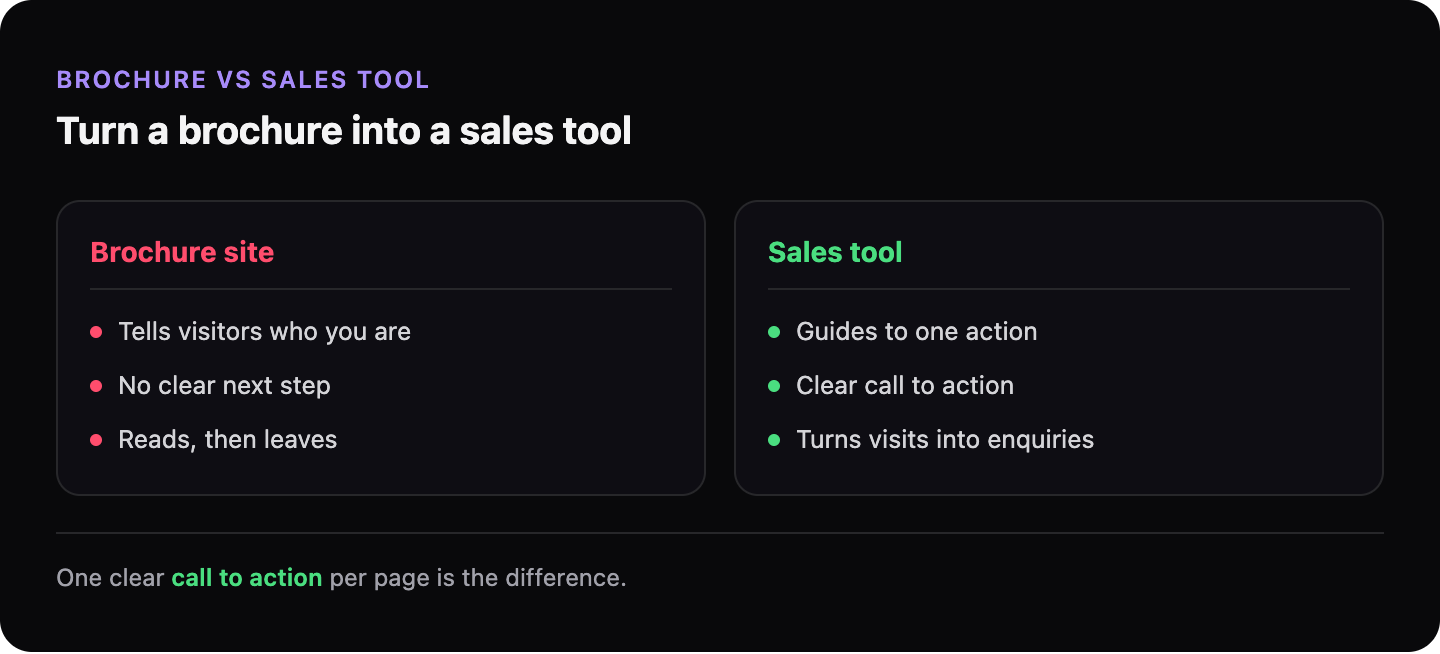
A brochure website presents information. A sales tool guides a visitor toward a specific action.
| Brochure website | Sales tool website |
|---|---|
| “Here’s what we do” | “Here’s what we do — call us for a quote” |
| Contact details in the footer | Phone number at the top of every page |
| Information about the company | Information that answers the visitor’s question |
| One generic CTA at the bottom | Relevant CTA wherever the visitor might be ready to act |
| No urgency, no next step | Clear reason to contact now |
What is a call to action and why does every page need one?
A call to action (CTA) is an instruction that tells a visitor what to do next: call, book, get a quote, send a message. Without one, visitors read the page and leave — not because they weren’t interested, but because they weren’t prompted.
Every page on your site should have one clear CTA that matches what you want that visitor to do. The homepage CTA is usually “contact us” or “get a quote.” A service page might have “call us to discuss your project.” A blog post might have “check if this issue affects your site.”
What makes a CTA effective?
- Visible without scrolling — if someone has to scroll to the bottom to find your phone number, most won’t
- Specific — “Call for a free 15-minute consultation” works better than “Contact us”
- Matching intent — if someone is reading about a specific problem, the CTA should relate to solving that problem
- Clickable on mobile — your phone number should be a
tel:link that opens the dialler directly
What else separates a converting website from one that doesn’t?
Social proof — evidence that real people have used and trusted your business. This can be testimonials, case studies, the logos of clients you’ve worked with, or a simple count of jobs completed. Visitors decide whether to contact you partly based on whether others have.
Specificity also matters. A vague “we provide professional services” prompts nothing. “Boiler servicing for landlords in South London, 48-hour turnaround” immediately tells the right visitor they’ve found what they need.
→ Read more: Why people visit your website and leave without calling
→ Back to the full picture: My website has visitors but no one contacts me
GhostSite checks whether your site has the signals that convert visitors into enquiries — and what’s missing.