A Google Business Profile is the free listing that controls how your business appears on Google Maps and in local search. Setting it up properly is the single most important step for any business that serves a local area.
What is a Google Business Profile?
It’s the free Google listing that shows your business name, location, hours, phone number, photos, and reviews — the panel that appears on the right of search results and the pin on Google Maps. It used to be called Google My Business.
It is separate from your website. You need the profile to appear on the map, even if your website is excellent.
How do I create one?
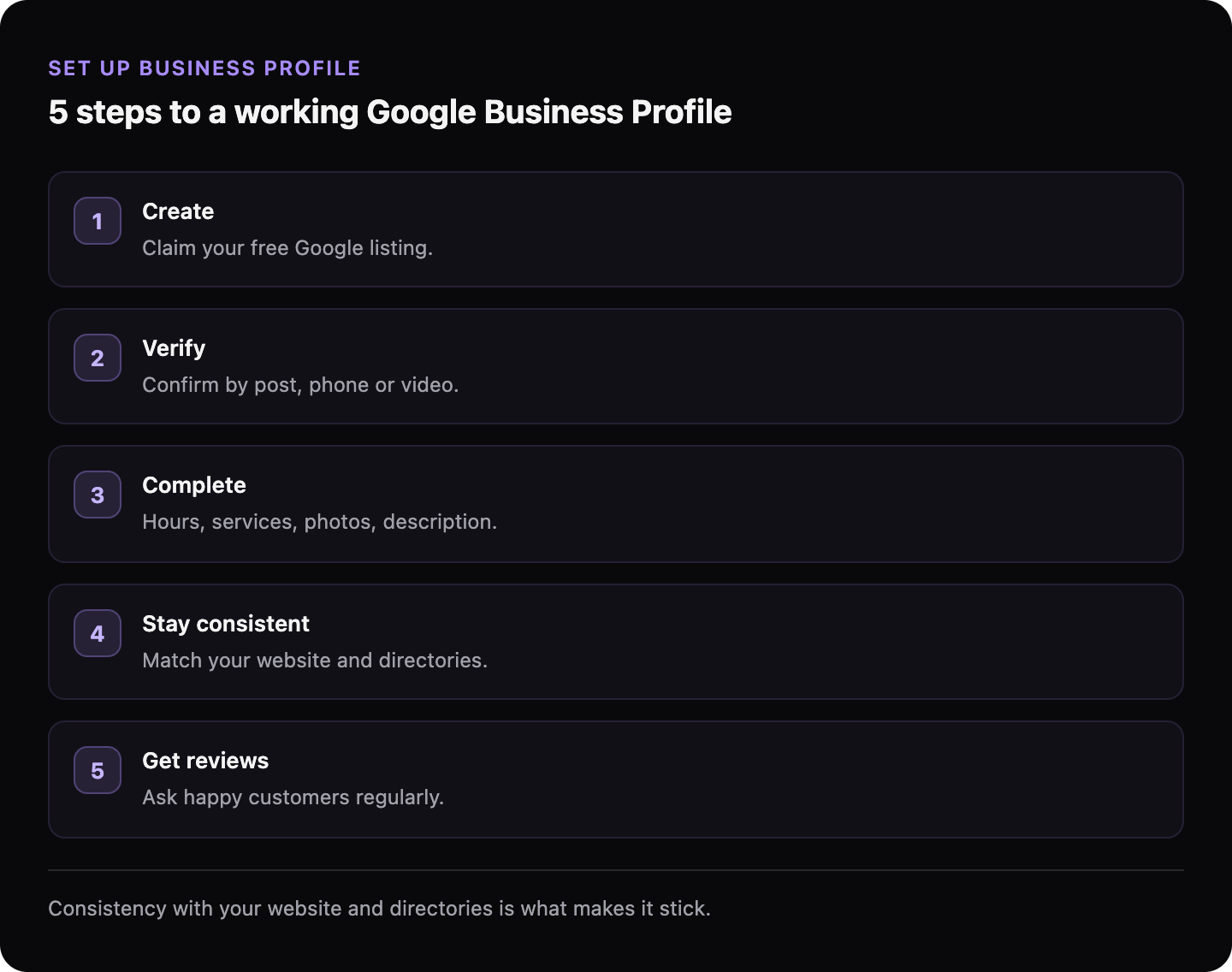
Go to google.com/business and sign in with a Google account you control (use a business account, not a personal one you might lose access to). Search for your business in case a profile already exists — if it does, claim it rather than creating a duplicate. If not, create it.
Enter your business name exactly as it appears in the real world, choose your primary category, and add your address or service area.
How do I get verified?
Verification proves to Google you’re really this business. Google will offer one or more methods — usually a postcard with a code mailed to your address, or verification by phone, email, or video. Complete it. An unverified profile generally won’t show in local results, so this step is not optional.
→ Read more: Why your Google Business Profile isn’t showing up
What information should I fill in?
Complete every field — Google favours complete profiles. The ones that matter most:
| Field | Get it right |
|---|---|
| Name | Your real business name, no added keywords |
| Primary category | The most specific one that fits what you do |
| Address / service area | Exact, and matching your website |
| Phone + website | Consistent with everywhere else online |
| Hours | Accurate, including holidays |
| Photos | Real photos of your premises, team, and work |
Don’t stuff keywords into your business name — it violates Google’s rules and can get the profile suspended.
Why does consistency matter so much?
Your name, address, and phone number should be identical on your profile, your website, and any directory you appear in. Google cross-checks these to confirm you’re one real business. Mismatches make it less confident — and less likely to show you.
→ Read more: What is local SEO and does your business need it?
What to do next
Create and fully verify your profile, then make sure your website’s contact details match it exactly. The profile and the website reinforce each other — both need to tell Google the same story.
GhostSite checks whether your website is readable by Google and backs up your local listing — free, in minutes.